
Which TVs
Built for Hisense TVs running VIDAA, Roku TV and Google TV.
HMote reads which system your Hisense TV runs and speaks its language, over your own Wi‑Fi. It also handles earlier Android TV sets.
- Hisense VIDAA
- Roku TV
- Google TV
Hisense sets sold with Fire TV or Xumo TV are recognised but not supported yet; HMote tells you so instead of pretending. HMote is a Wi‑Fi remote, so the TV needs a network connection.
See it in action
Real screens from the app.
The remote 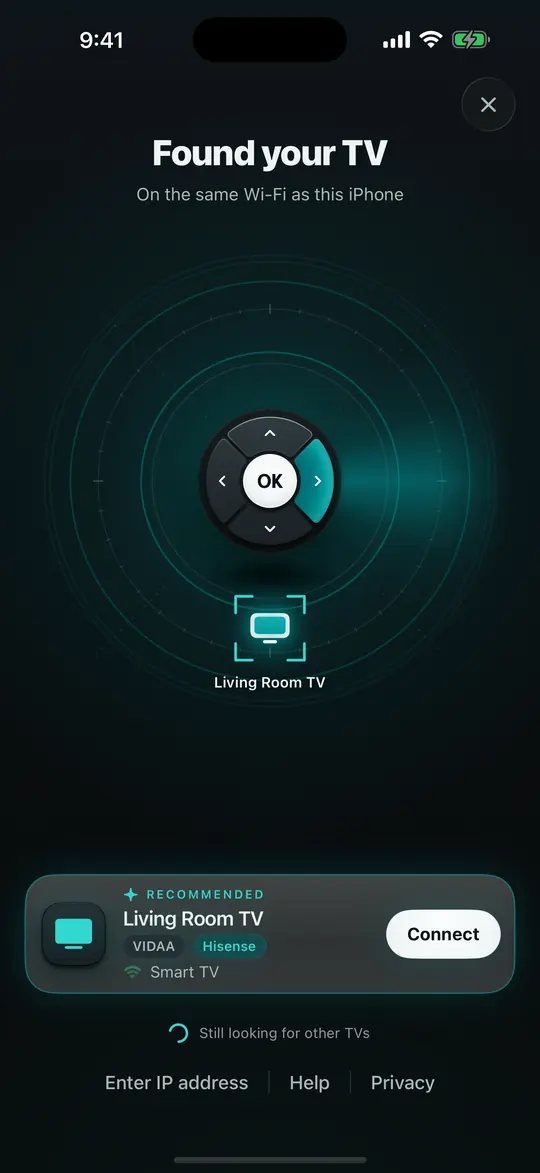
Finds your TV 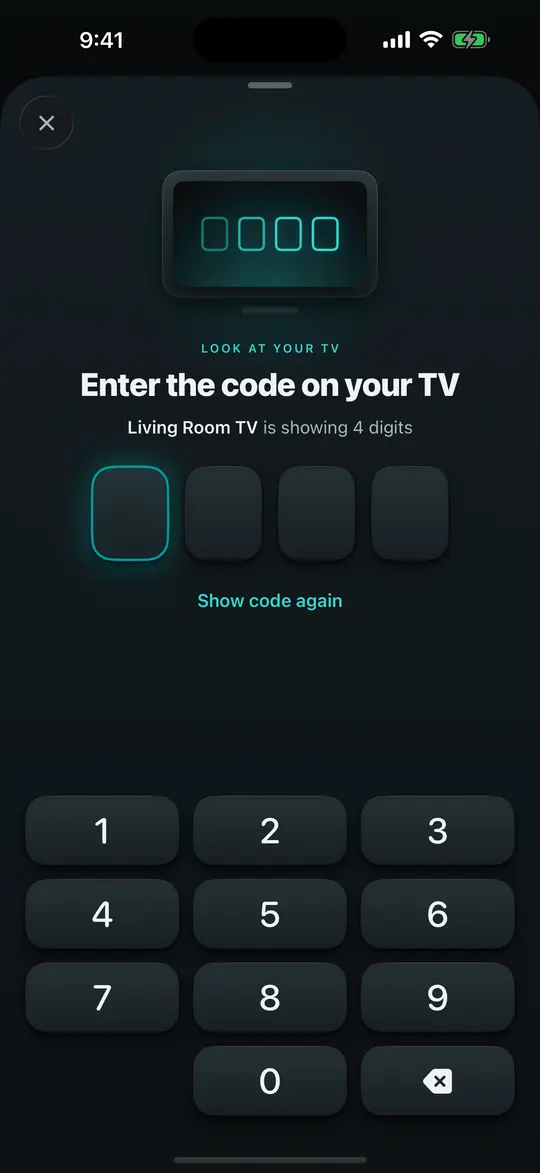
Pairs once 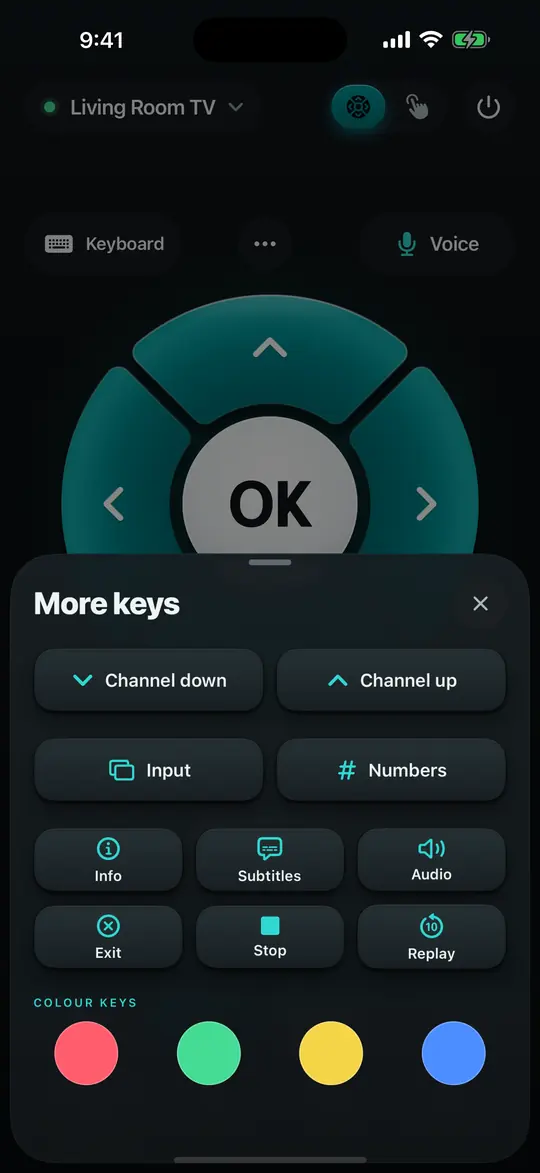
More keys 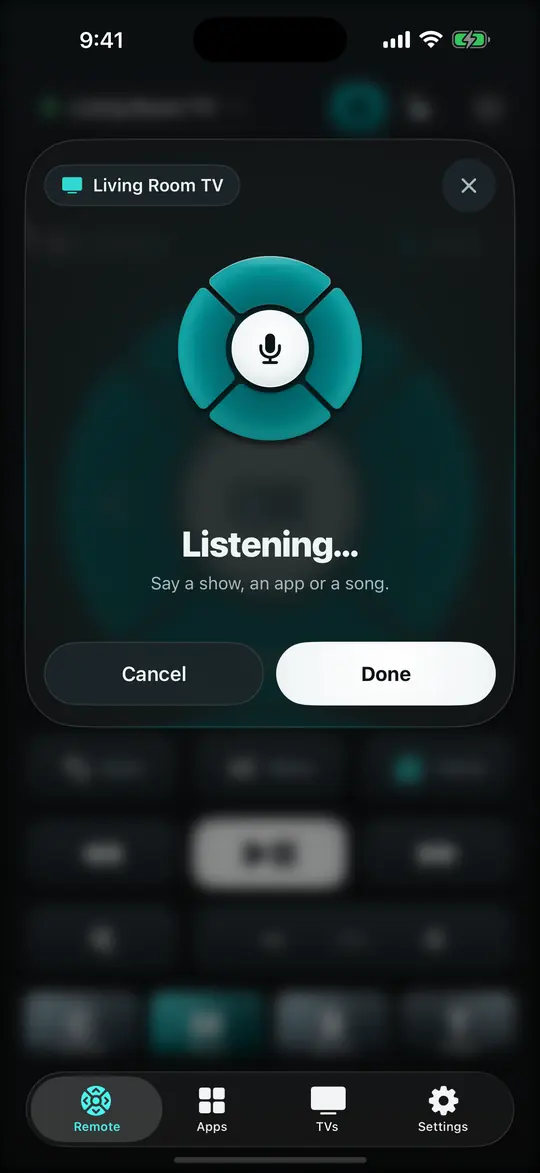
Voice (Pro) 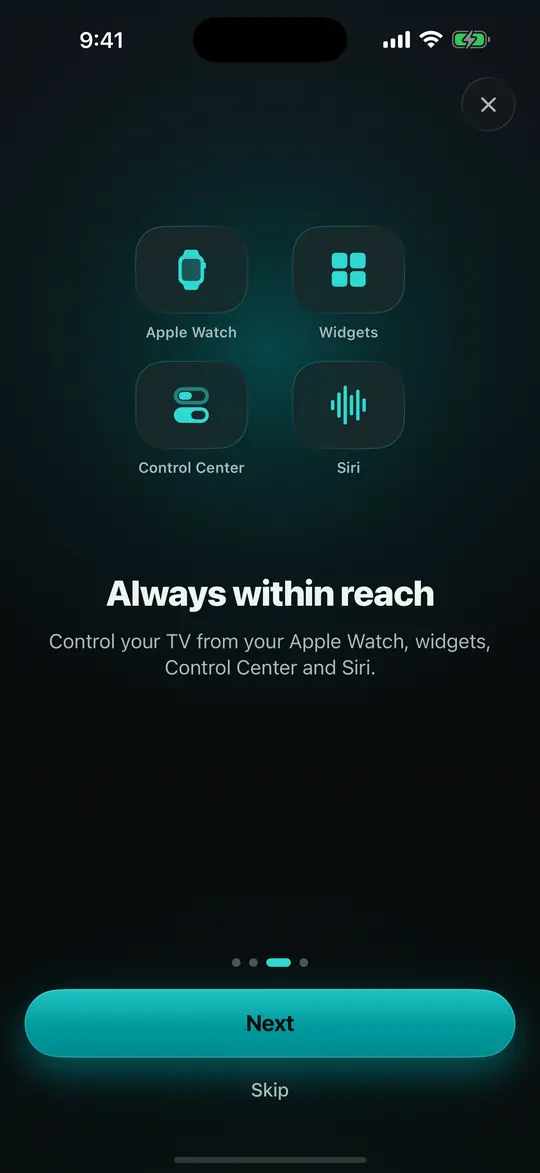
Watch & widgets (Pro) 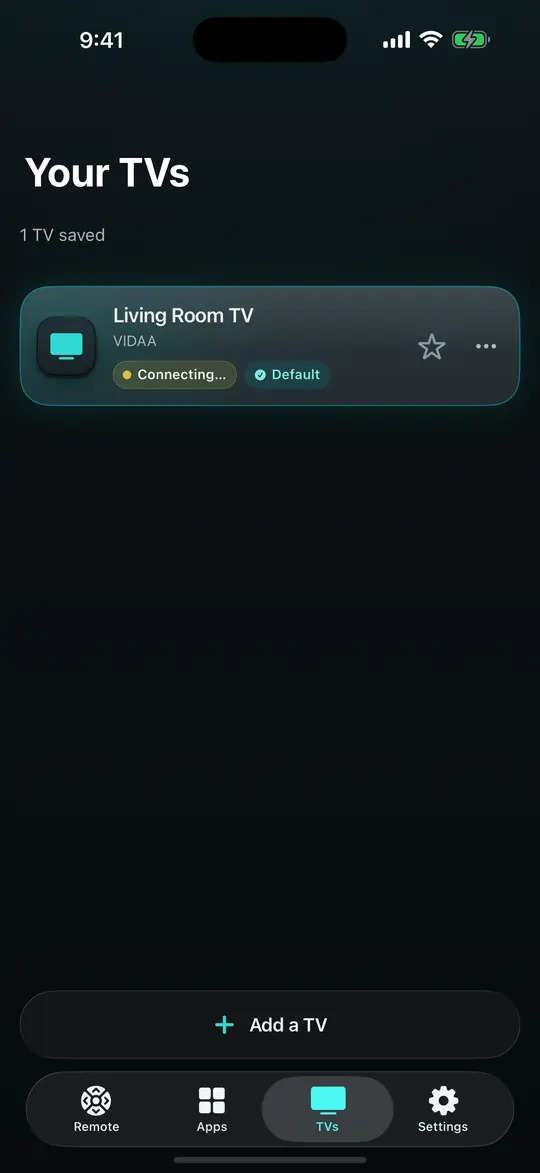
Your TVs
Everything the remote does
The remote, keys, keyboard, apps and TV list are free. Features marked PRO come with HMote Pro.
The remote
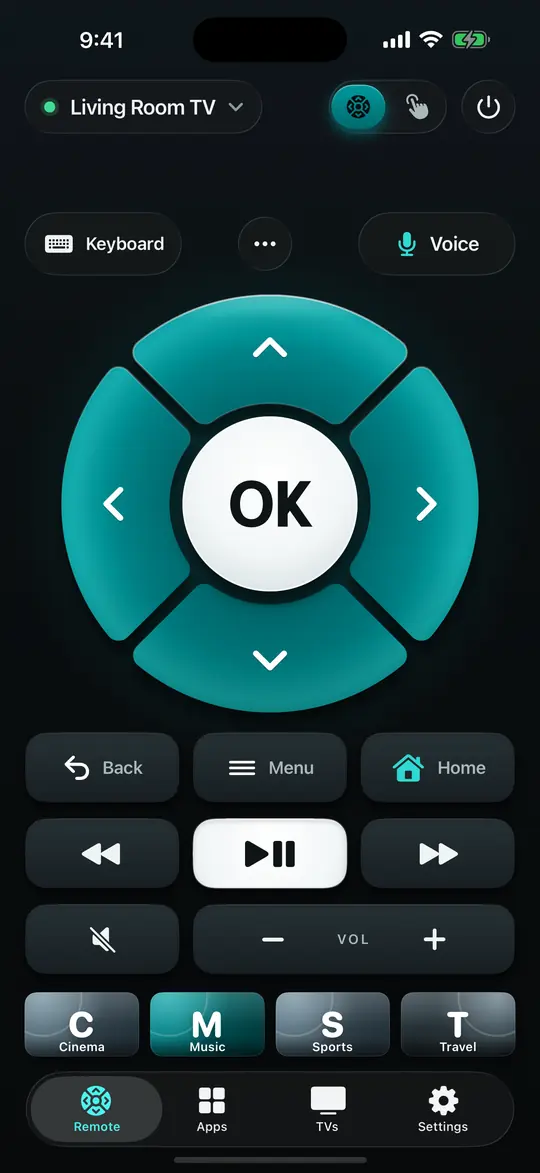
A big D‑pad with OK, or a touchpad: swipe to move, tap to select. Back, Menu, Home, power, volume, mute and playback, with haptics and night keys.
Finds and pairs
HMote finds your Hisense TV on your Wi‑Fi. If the TV shows a code, type it once; next time it just connects. You can also add a TV by its IP address.
Your iPhone keyboard
Open a search box on the TV, tap Keyboard, and your words appear on the TV as you type. Searching and signing in to apps takes seconds.
More keys
Channel up and down, a number pad, inputs, info, subtitles, audio and the colour keys, one tap away. They show up when your TV reports it has them.
Your apps
Open your TV's apps from the Apps tab and keep favourites on the remote, so the shows you watch are one tap away.
All your TVs
Save the TV in every room, pick a default one, and switch between them in a tap.
Apple Watch PRO
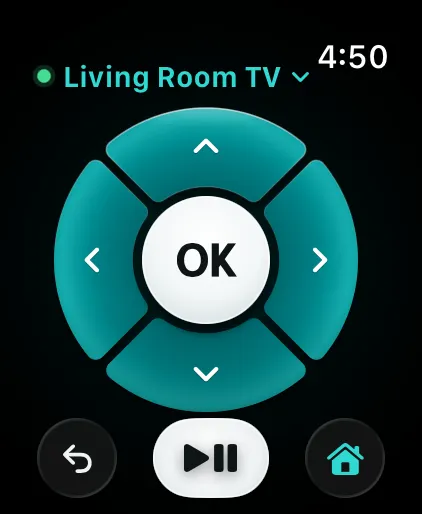
D‑pad, playback and volume on your wrist. The Watch sends each press through your iPhone, so keep it nearby.
Widgets, Control Center, Siri PRO
Home Screen and Lock Screen widgets, a Control Center control (iOS 18) and Siri shortcuts such as "Pause the TV with HMote".
Voice PRO
Say a show, an app or a command like "volume up". On TVs without their own voice search, HMote turns what you say into a command on your iPhone.
How to connect
About a minute, once per TV.
- Same Wi‑Fi. Turn on the TV and put your iPhone on the same Wi‑Fi network (not a guest network).
- Open HMote and allow Local Network. Tap Find my TV. HMote lists the Hisense TVs it sees.
- Tap Connect. If the TV shows a code, type it in the app. VIDAA TVs show 4 digits, Google TV a 6‑character code; Roku TV needs no code.
- Done. From now on HMote connects by itself.
Not found, or a Roku TV that says control by mobile apps is off? The support page walks you through it.
Free remote, optional HMote Pro
The remote, more keys, keyboard, apps and TV list never need a subscription. HMote Pro adds Voice, the Apple Watch app, widgets, the Control Center control and Siri & Shortcuts, with no ads, ever.
Weekly
$1.99per week
Monthly
$3.99per month
Yearly
$9.99per year
Prices in US dollars; your local price is shown in the app before you buy. No free trial. Payment is charged to your Apple Account when you confirm. The subscription renews automatically unless cancelled at least 24 hours before the end of the current period; renewal is charged within the 24 hours before the period ends. Manage or cancel any time in your Apple Account settings. Restore Purchases is in Settings → HMote Pro. Terms of Use (Apple EULA) · Privacy Policy
Questions
Which Hisense TVs does HMote work with?
HMote is built for Hisense smart TVs with Wi‑Fi that run VIDAA, Roku TV or Google TV (and earlier Android TV). Hisense sets sold with Fire TV or Xumo TV are recognised but not supported yet. A TV with no network connection cannot be controlled over Wi‑Fi.
Do I need an account?
No. There is no account and no sign‑in. Your iPhone talks to the TV directly over your Wi‑Fi, and you pair once with the code your TV shows.
Why can't HMote find my TV?
Put the iPhone and the TV on the same Wi‑Fi (not a guest network), allow Local Network for HMote in iPhone Settings → Privacy & Security → Local Network, and wake the TV with its own remote. You can also add the TV by its IP address. More in Support.
Is HMote free?
Yes. The remote, more keys, keyboard, apps launcher and TV list are free. HMote Pro is an optional subscription for voice, the Apple Watch app, widgets, the Control Center control and Siri shortcuts: $1.99 a week, $3.99 a month or $9.99 a year in US dollars. There is no free trial; your local price is shown in the app before you buy.
What about my privacy?
No account, no tracking, no ads. Commands, typed text and voice go from your iPhone straight to your TV over your Wi‑Fi, never through our servers. Read the Privacy Policy.
Is HMote made by Hisense?
No. HMote is an independent app, not affiliated with or endorsed by Hisense, VIDAA, Roku or Google. Their names are used only to describe the TVs HMote is built for.
Lost the remote? Use your iPhone.
HMote for iPhone and Apple Watch. Free to download.