 JimooTech
To my surprise, this app immediately connected to my TV and controlled it better than my remote! At this point, I don't care if I ever find the remote.
J
J MGoogle Play · 5★
Every app below is free to download and use, works without an account, and is maintained by the same small team that answers your emails. Here's what each one does — and what people say about it.
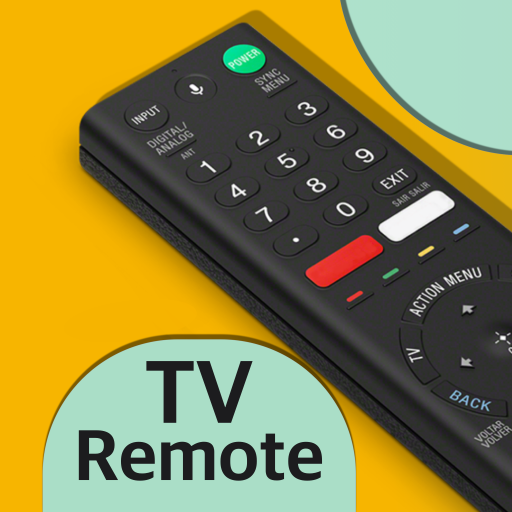
Your Sony TV's bestie — controls Sony TVs over Wi‑Fi & IR. Connect easy and fast.
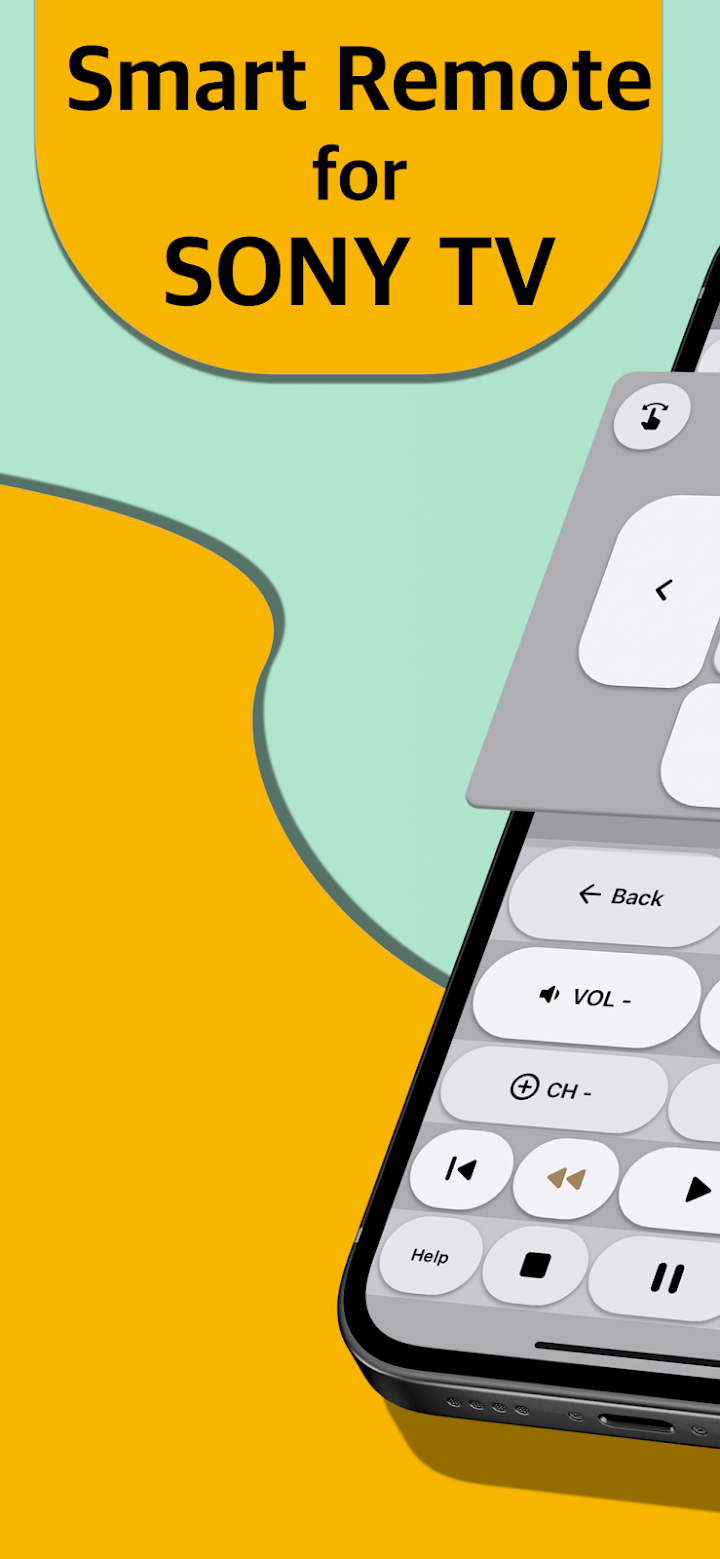
Sony never shipped a proper remote app for BRAVIA TVs, so we did. TV Remote for SONY pairs with your TV over the home Wi‑Fi network — or through your phone's infrared blaster if it has one — and gives you everything the physical remote does, plus a few things it can't.
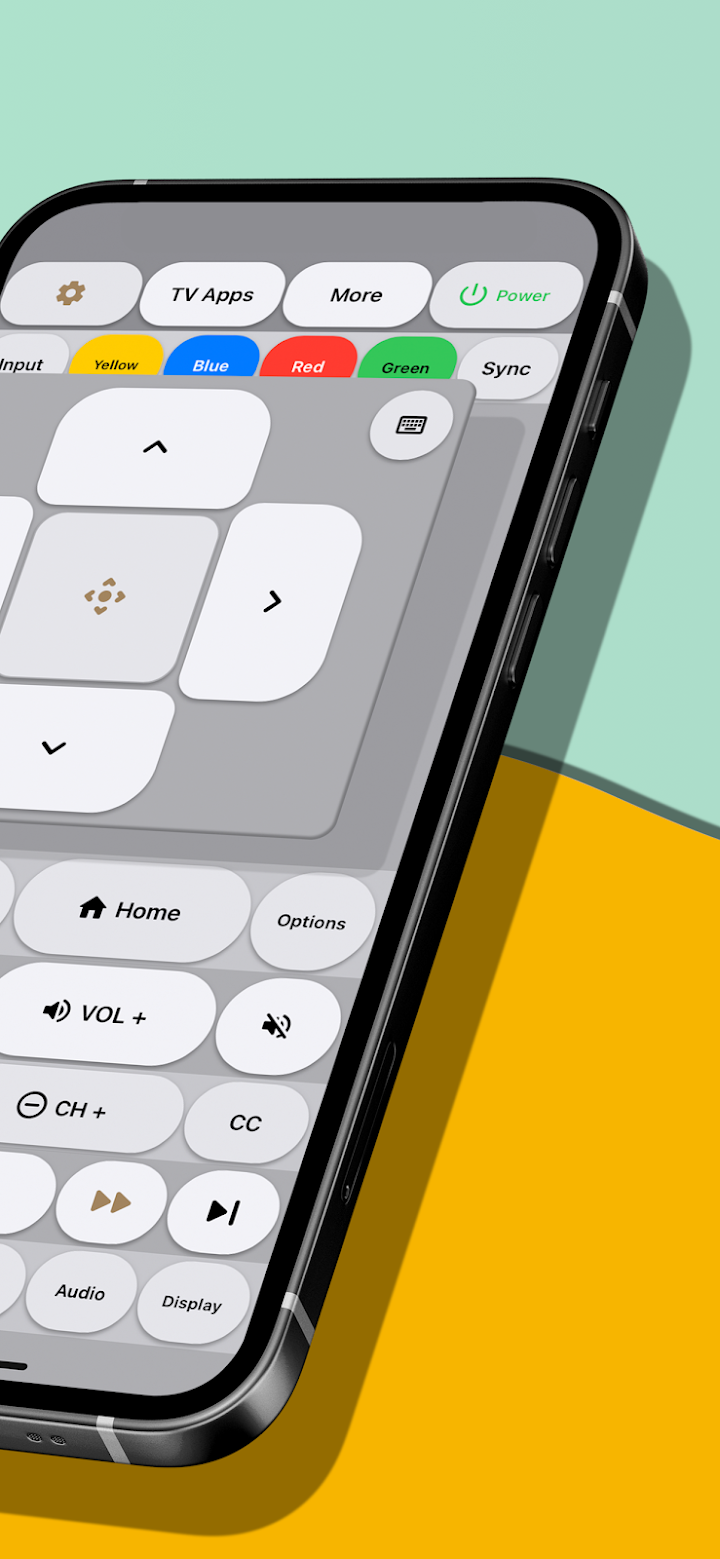
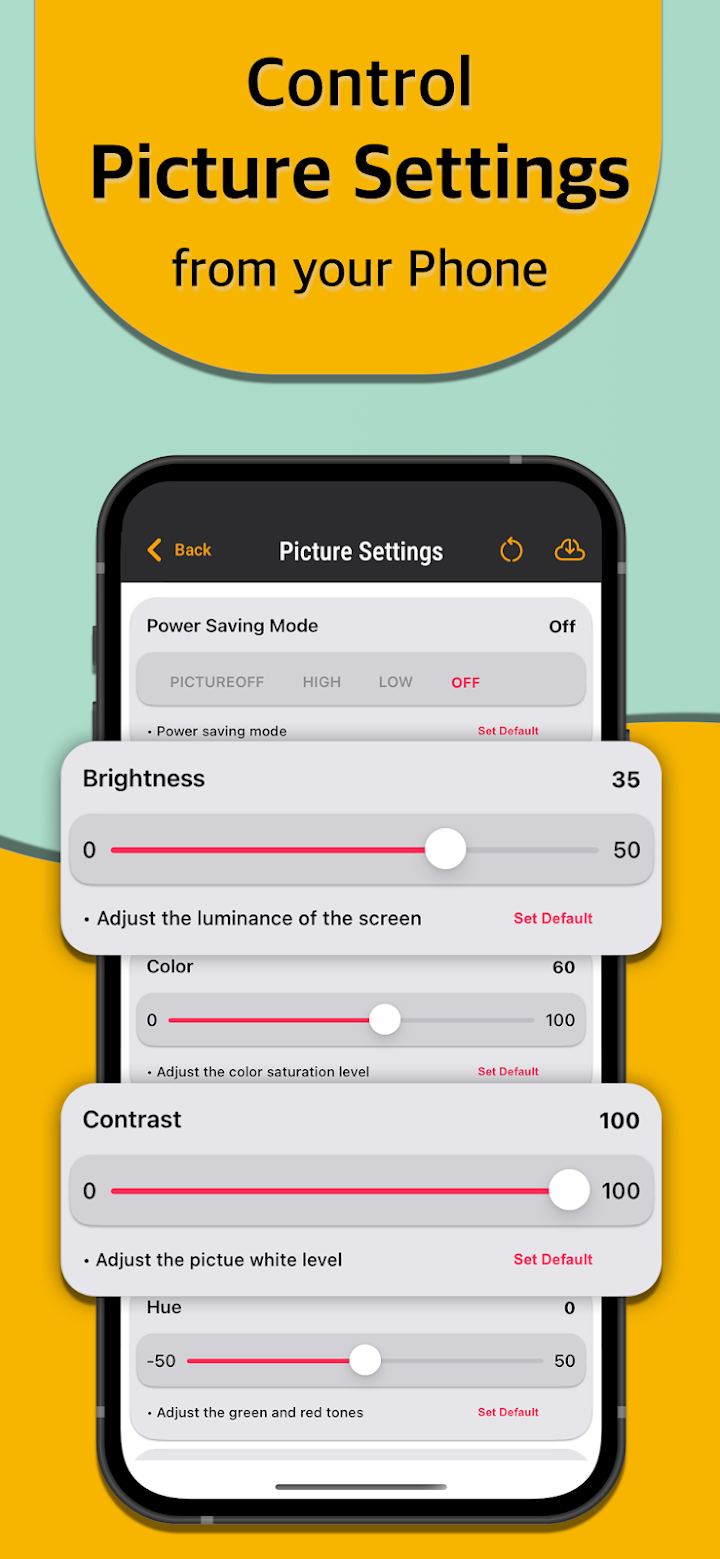
To my surprise, this app immediately connected to my TV and controlled it better than my remote! At this point, I don't care if I ever find the remote.
Best virtual remote for my Sony Bravia Android TV. Does everything you can do with a physical remote and more. Favourite features are opening a specific TV app from the remote, and using the phone's keyboard to send text to the TV. Recommended 100%.
Works exceptionally well. Connected right away, able to control everything on the TV. Way more customization than expected. And on top of all that, a reasonable one‑time payment to support the dev and remove ads. Well done JaviTech.
Wi‑Fi remote for Sony smart TVs — for iPhone, iPad, Mac and Apple Vision.
The iOS counterpart to our Android Sony remote, rebuilt natively for Apple devices. It controls Sony BRAVIA TVs from 2012 onward over your home Wi‑Fi — no pairing codes, no account, and nothing to configure beyond being on the same network.
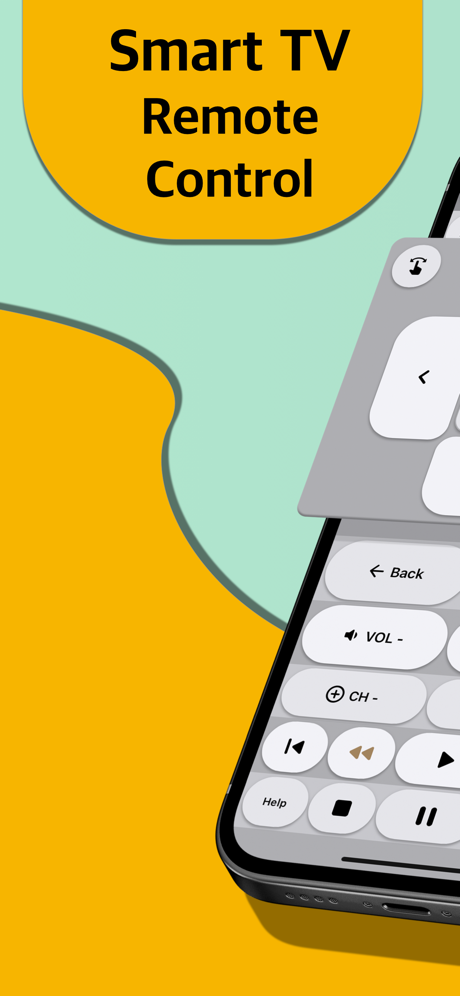
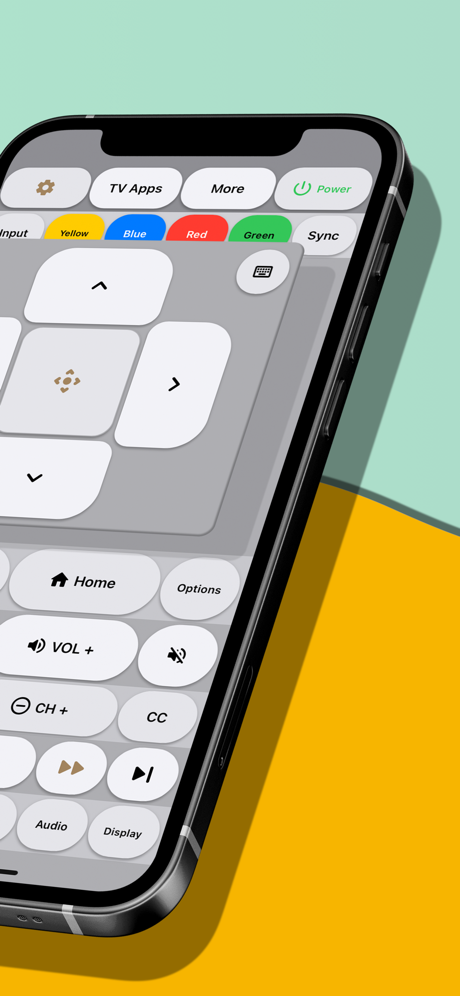
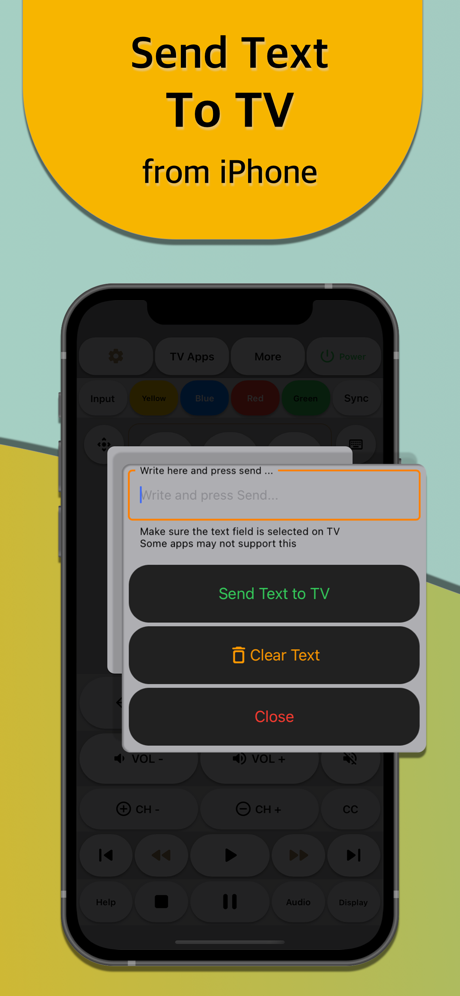
Thank you Javidan for offering a free app to make my life a little simpler when I can't reach the remote or it has fallen behind the couch. I can't find a spot to pay to remove ads from your app but I happily would.
I'm so glad I found this remote app. There's so many functions it allows me to do. Personally I find it easier to work than the actual remote that came with my TV. I'm using it with a 2024 Sony Bravia.
Pairs to my Sony TV like a charm and does everything I need. Supports copy/paste for any text entry.
All other apps are trials. Nothing wrong with getting paid for building the app, but if you just need something for a TV with a broken remote you don't use often, this seems good so far.
Fast, lightweight Wi‑Fi remote and cast tool for Roku players and Roku OS TVs.
Roku's own app is big and slow to wake up; most third‑party ones hide the basics behind a subscription. Ours is neither. Remote for Roku TV discovers your device on the network in seconds, stays connected, and adds the things you actually miss when the remote is gone — typing, private listening and casting.
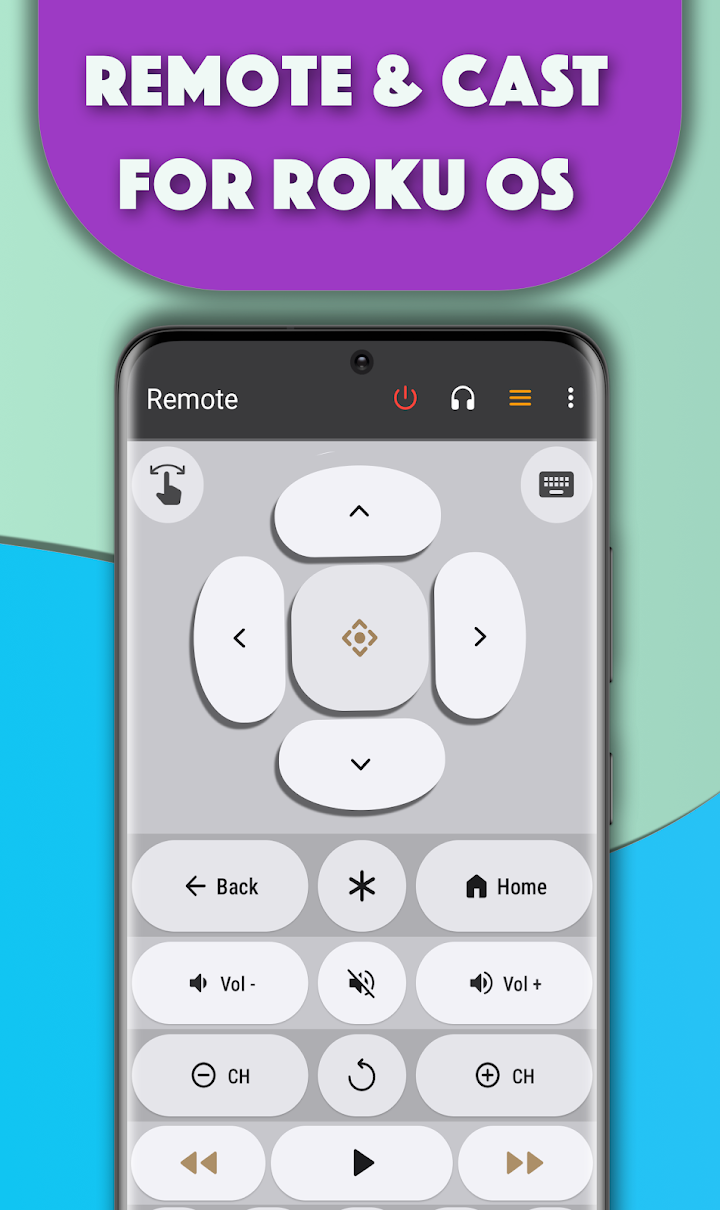
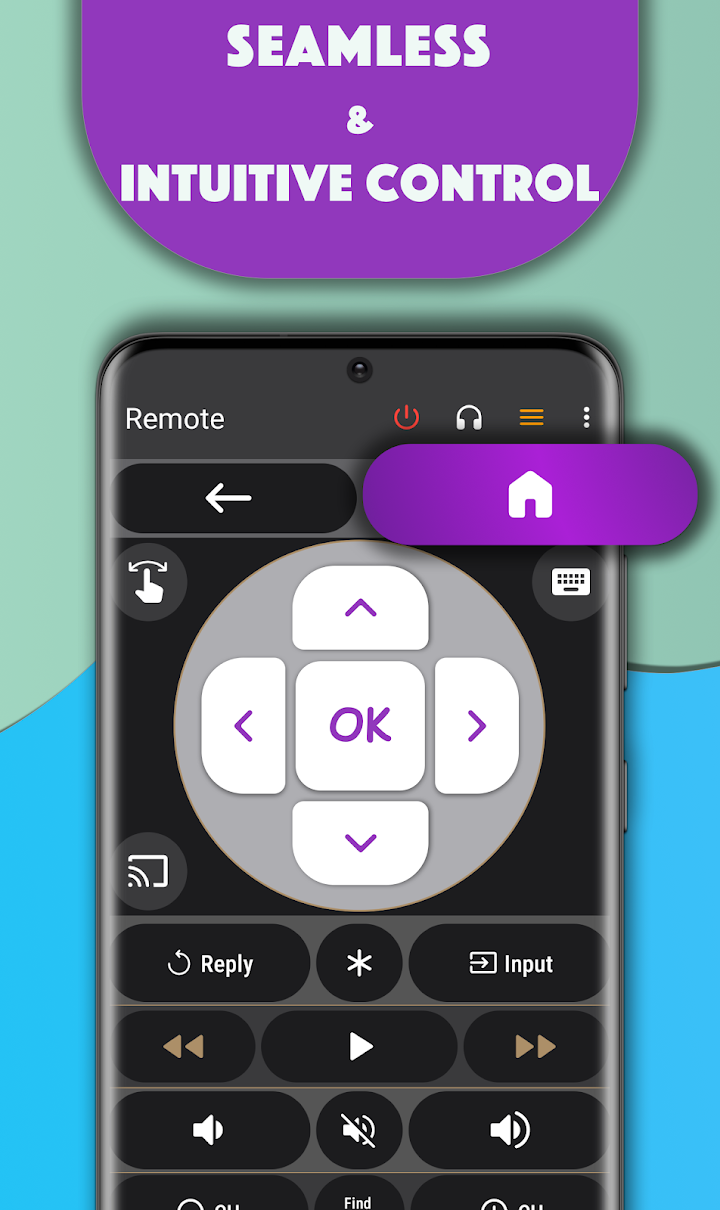
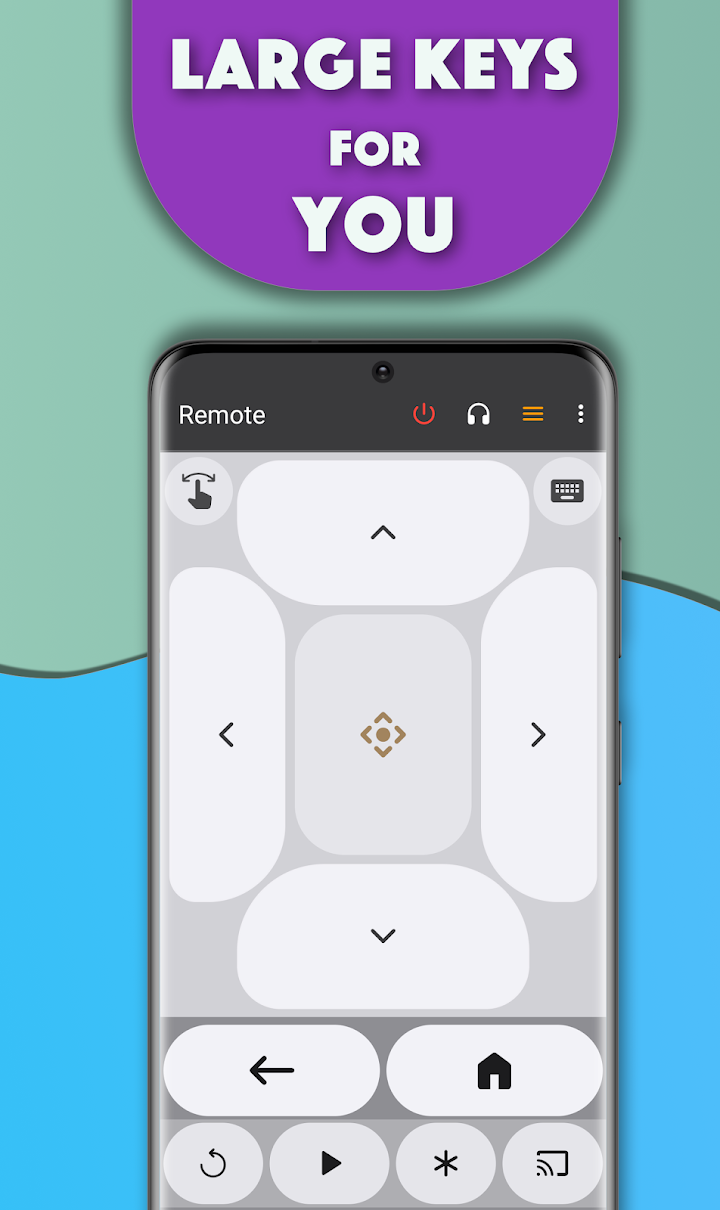
Devs, thank you so much for this wonderful light, simple Roku remote. I've been so frustrated with Roku's big remote app — it's heavy and I have to restart it every time my phone sleeps. This great remote stays awake and has great options. Please don't change it. It's perfect.
My TV is almost 14 years old and my Roku box is almost 3 years old, and after downloading this app it immediately found my device. This app does so much more than my actual Roku remote and it's free, folks!
If you are looking for a Roku remote app for your Chromebook, look no further. It has it all — keyboard, volume up and down, minimal ads, quick response. It is awesome. Thank you, do not change anything.
Free on Google Play and the App Store. No account needed.